
Starter
Free
Forever. No card needed.
- Up to 300 products and 50 parties
- Stock audits, one at a time
- 2 production boards, 25 pieces each
- 1 exhibition at a time, 25 orders
- Preview links
- JIA answers, pay as you use
- Up to 3 people
AI infrastructure for the jewellery trade
One intelligence that knows your stock by the gram, your clients, shows and production. Ask it anything through JIA, and use the tools built on it.
Free forever on Starter. No card needed.
Which 22K bangles under 15 g still need a HUID?
7 pieces, 96.1 g together. Two are reserved.
What's been sitting at setting for over five days?
4 pieces. A polki choker has sat there for 9 days.
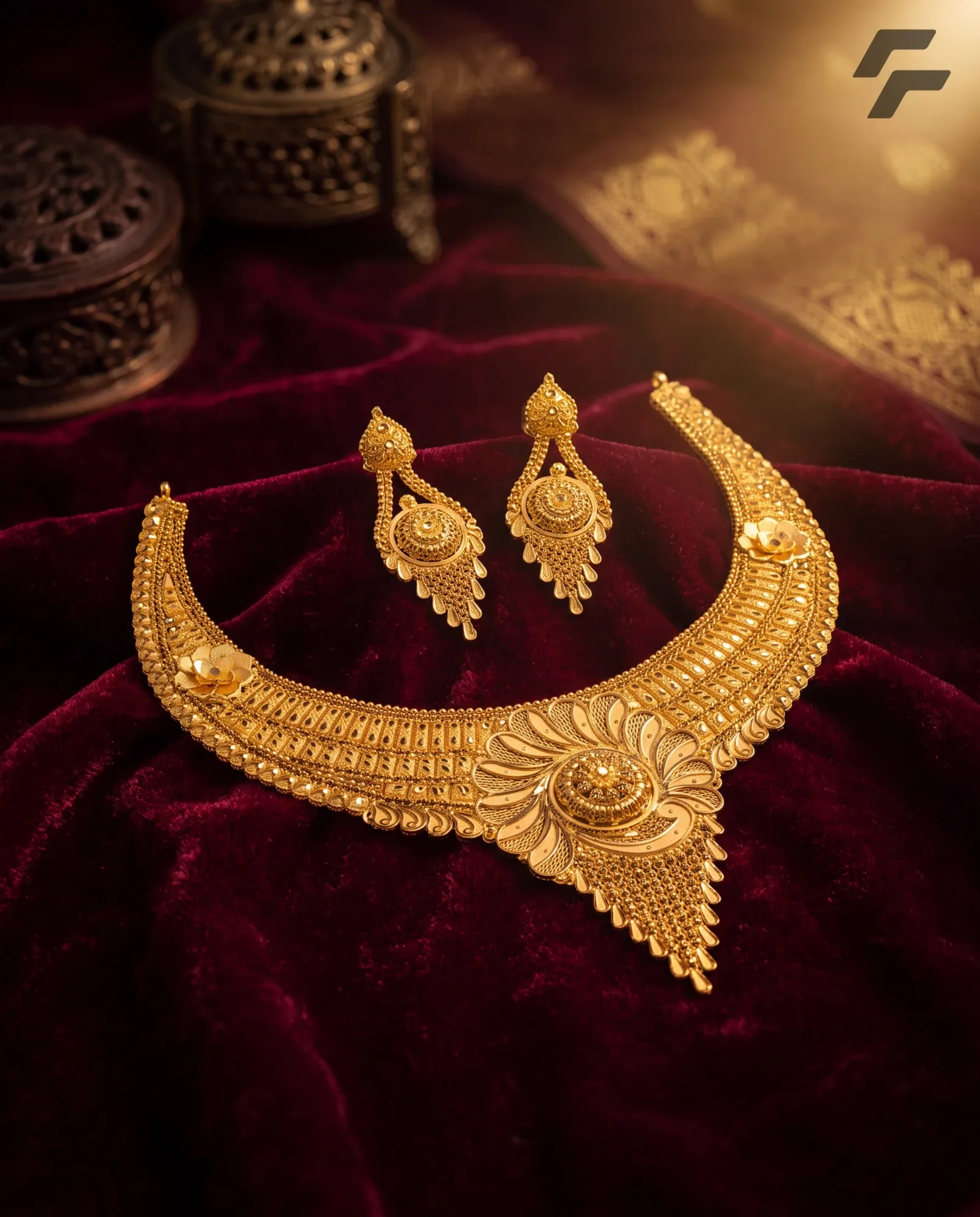
Make a catalogue shot of the 22K necklace set on maroon velvet.
Here it is, made from the set's own photo in your stock.
Which wholesale buyers still have draft orders?
3 buyers, with 11 draft orders between them.
JIA
22K, net weight, HUID, karigar. JIA understands the words you already use, across your stock, clients, shows and orders.
Add 120 grams to the 22K chain lot.
I'll add 120 g to the 22K chain lot.
Complete this action
Review before saving
Done.
Cancelled — nothing was changed.
Find any piece, client, order or show in a sentence.
Compares karigars and shows, adds stock, updates a client, moves an order along.
Adding stock, editing a client or moving an order waits for you to confirm.
The ecosystem
Every tool works on the same stock, clients and orders, so JIA can answer across all of them.
Track
Every piece by weight, purity and HUID. Count stock with your phone camera.
Share
Send your stock on WhatsApp. Clients browse and order without signing up.
Create
Phone photos in, catalogue images out. In your look, with your logo.
Exhibit
Take orders at a show by scanning the piece. Orders stay drafts until you finalise them.
Produce
Boards for orders and production, with your own stages. Every move recorded.
Know
Clients, karigars and bullion dealers, grouped your way, with GST and PAN.
Inventory
Gross, net and less weight, purity and HUID for every piece. Know what's in stock, what's promised and what's sold, from your phone.
ProHUID compliance, stock alerts, weight by purity and karigar, and bulk import and export.
Mina bangle pair
BNG#142
Print label
Bangles lot, size 2.6
Add to lot
Print labels

Pick up to six fields. Every label also gets your logo and a QR code.
Print 24 labels
Bangles audit
In progress142
Verified
1
Missing
1
Found
Bangles lot, size 2.6
24 of 24 pcs · 405.1 g of 412.5 g
Count matches but weight is low. Check for shaving or a swap inside the lot.
Mina bangle pair
22K · 64.8 g · HUID 7KQ2MX
Antique bangle
22K · 41.0 g
Plain bangle
22K · 12.6 g · not in this audit
Finish and sign off
Gross, net and less weight, purity, pieces and making charges on every piece.
Add or remove stock by weight, and gross, net and count update on their own. A sold-out lot stays open to restock.
Print labels with your logo and the fields you choose. Scan one to find the piece.
What's free to sell, what's promised on an order, and what's sold or put away.
Scan and weigh with your phone. If a lot's count matches but its weight is low, UJI flags it. Finish with a sign-off report.
Bangles record closure type. Chains record link pattern. You decide what each category tracks.
Preview links
Pick the pieces, send a link on WhatsApp. Your client browses and orders without signing up, and the order lands on your board.
Try it. You're the buyer.
Tap the pieces you like.
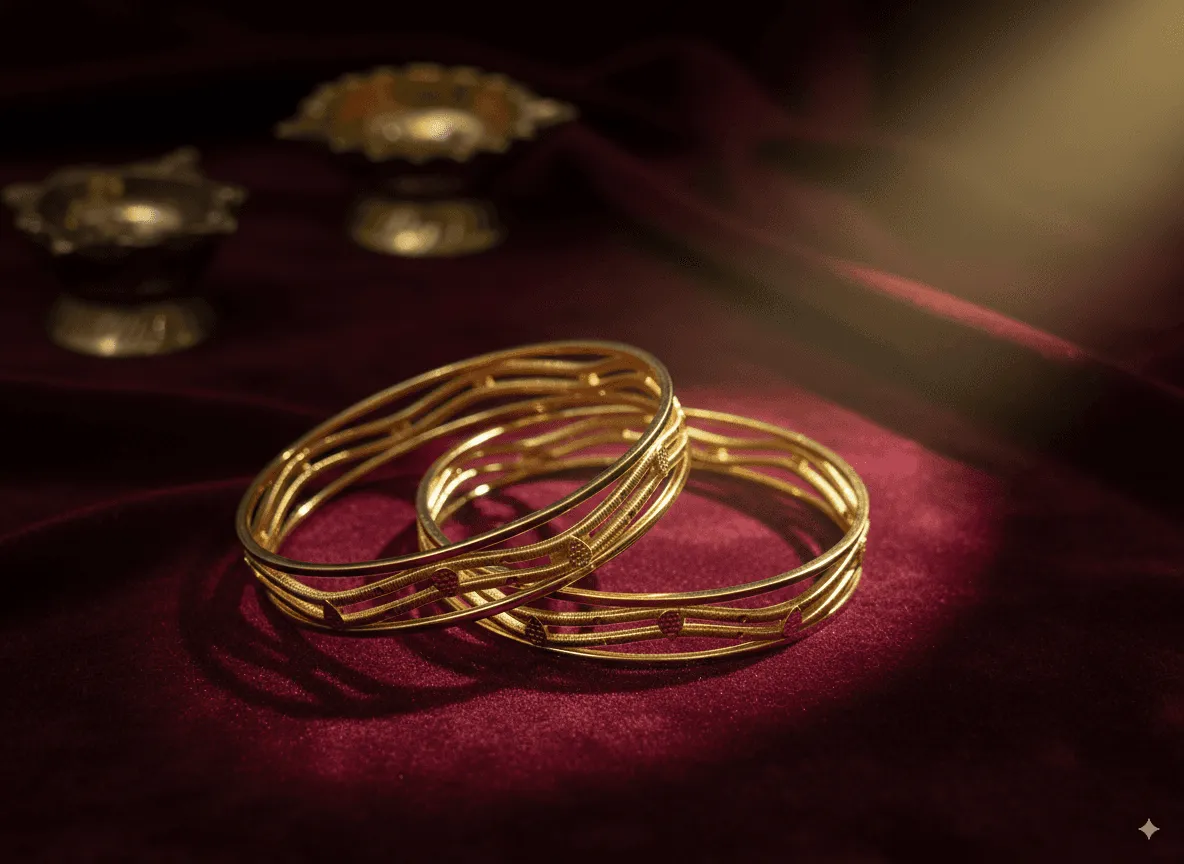 Mina bangle22K · 32.4 g
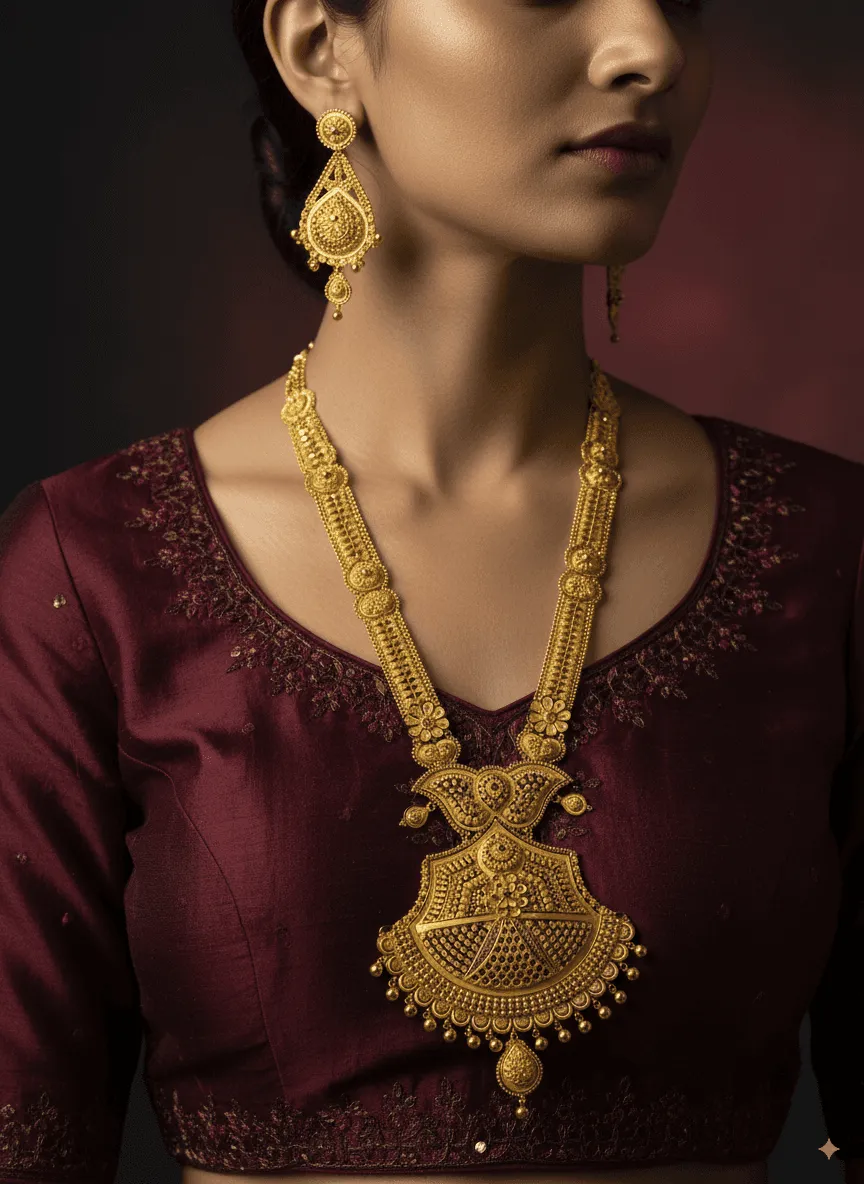 Temple necklace22K · 28.6 g
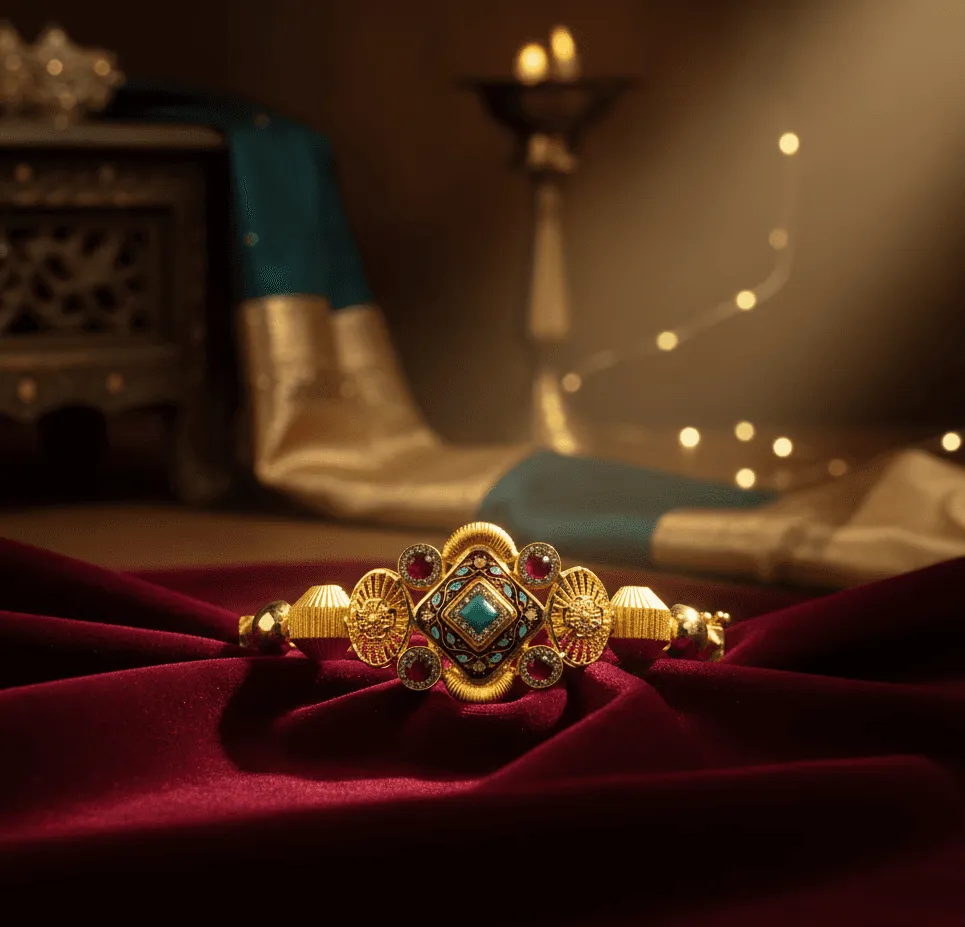 Kada22K · 18.2 g
 Maang tikka22K · 6.8 g
Order number
UJI-ORD-43
Your Orders board
New
UJI-ORD-43
Ravi · Preview link
UJI-ORD-42
Choker set
Walk-in
UJI-ORD-41
Kada pair
Preview link
Orders from your links land here.
Your client opens the link on WhatsApp, browses and orders. That's all.
Each order becomes a numbered card on your Orders board, ready for production.
Save a selection, like 22K bangles under 15 g. New pieces that match join on their own.
Send personal links to many buyers at once, each tracked on its own.
Ask for a phone number, add a watermark, or block saving and blur the page when they switch away.
See who opened each link and which pieces drew attention. Pause, extend or revoke a link any time.
Studio
Photograph your pieces on the counter. Studio turns them into finished catalogue images, in a ready-made look or one you make.
Looks
Example looks

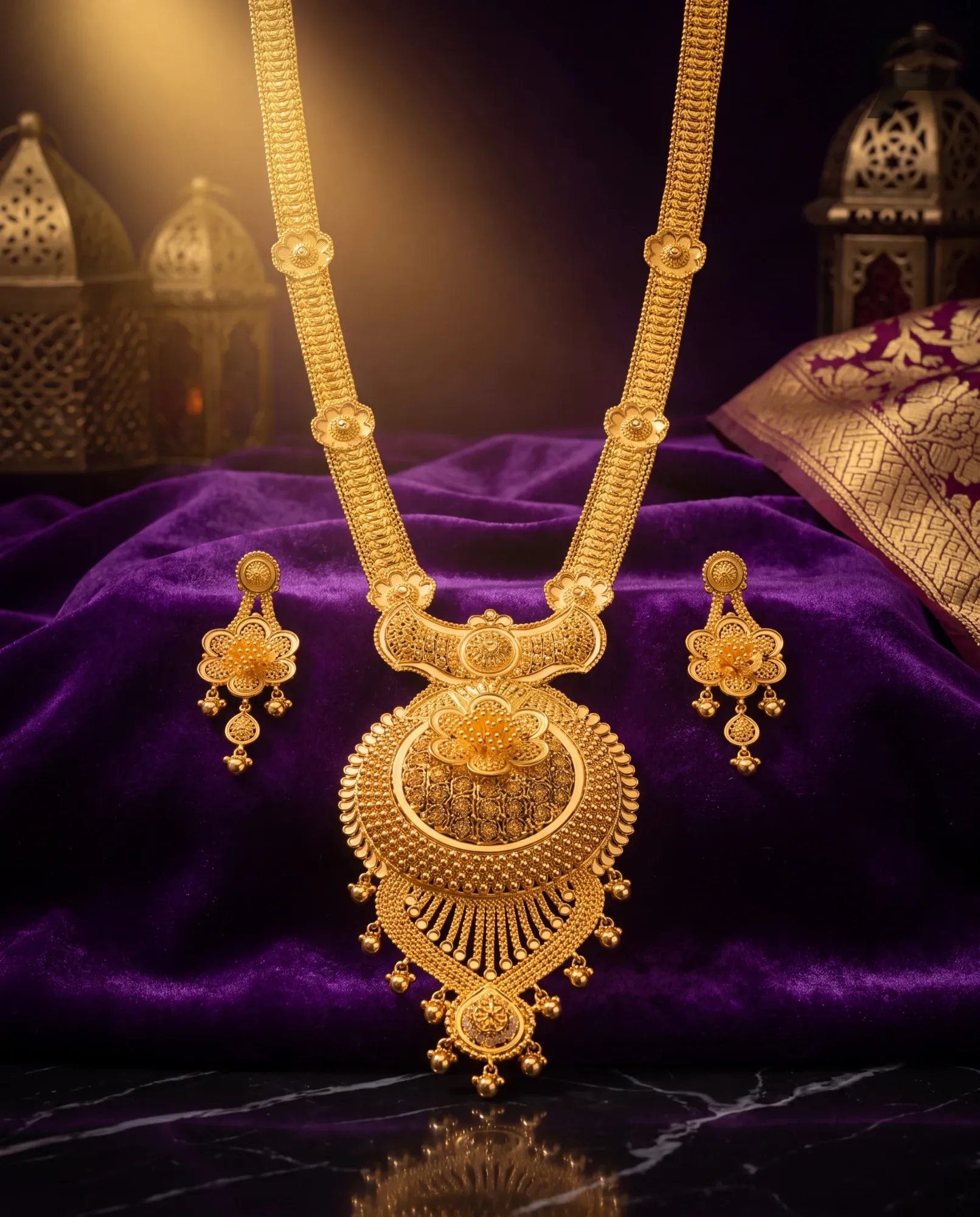
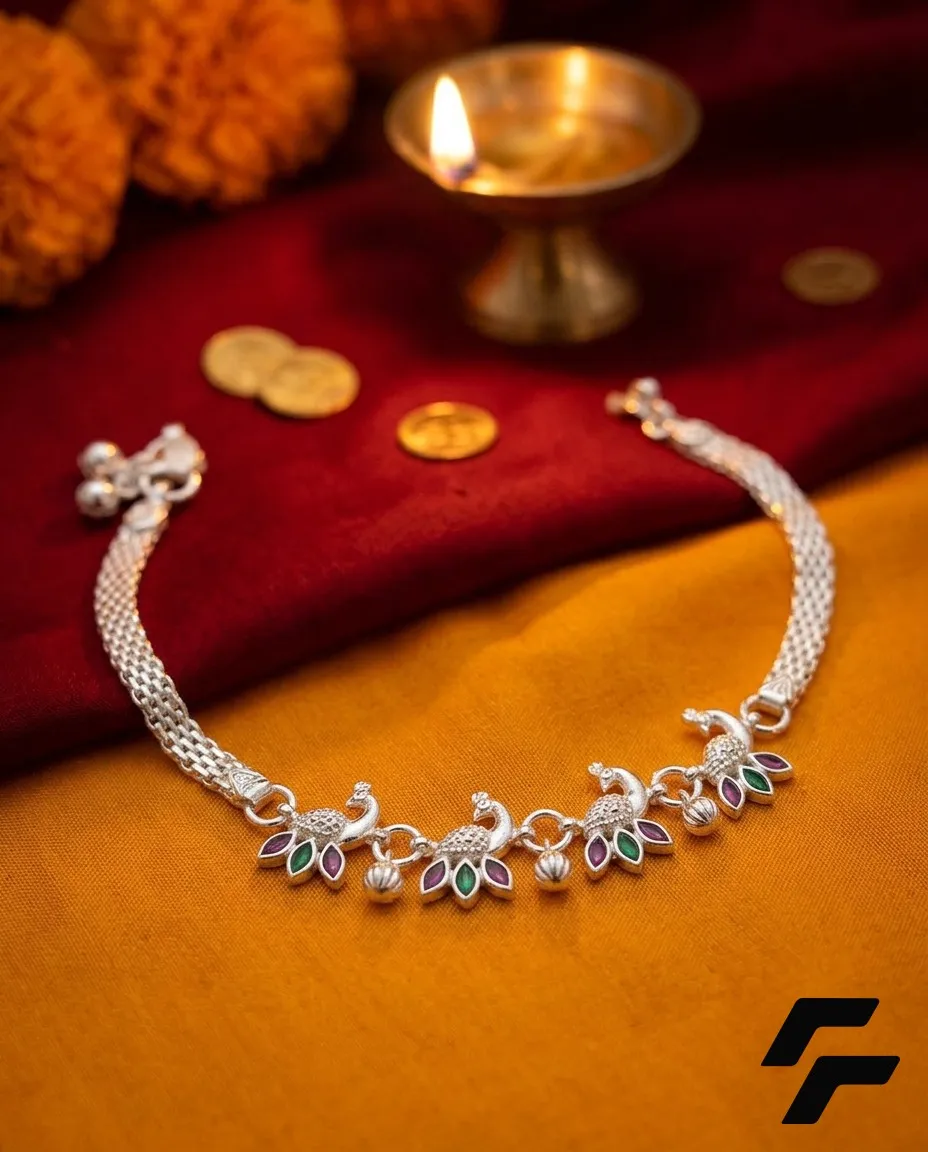
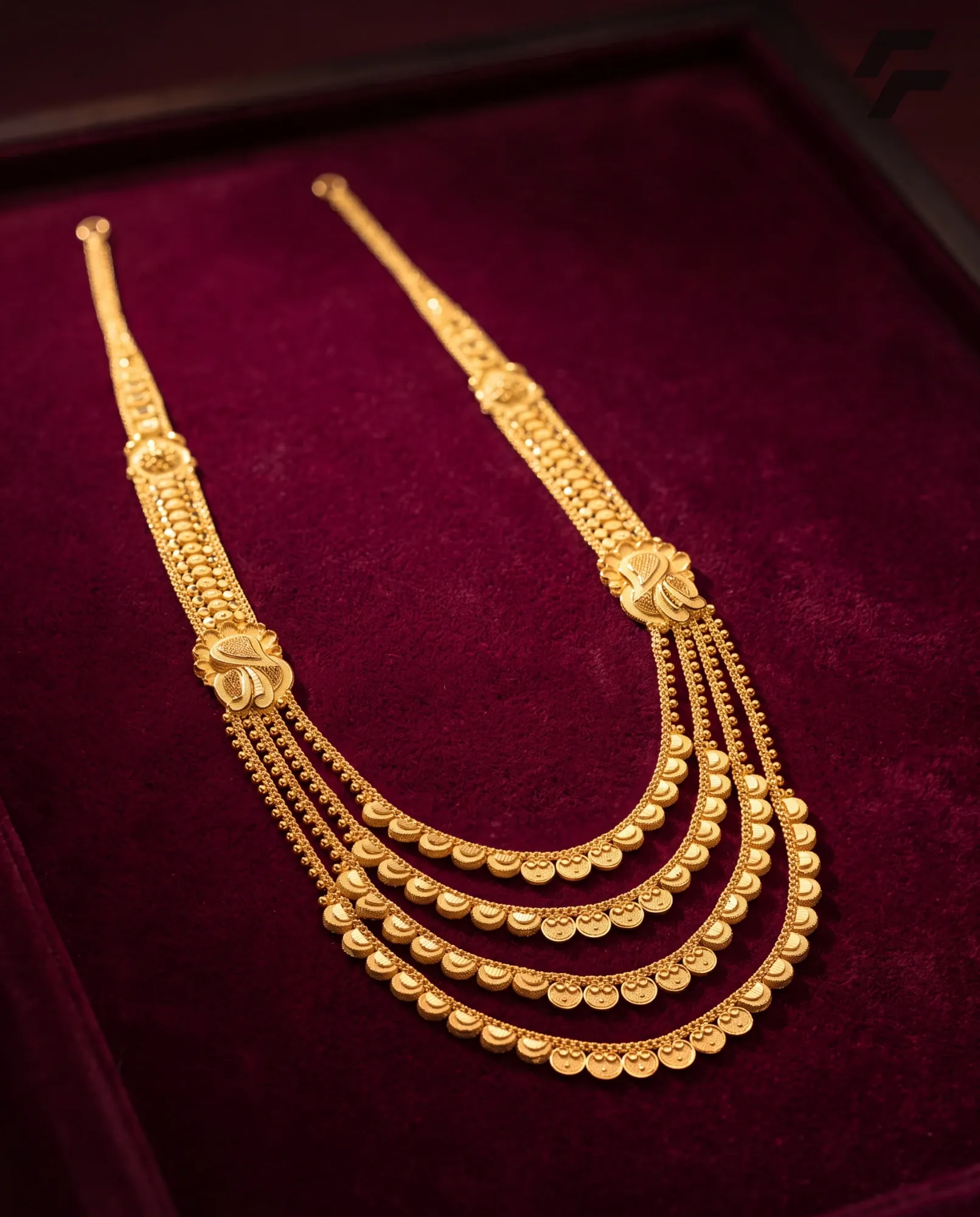
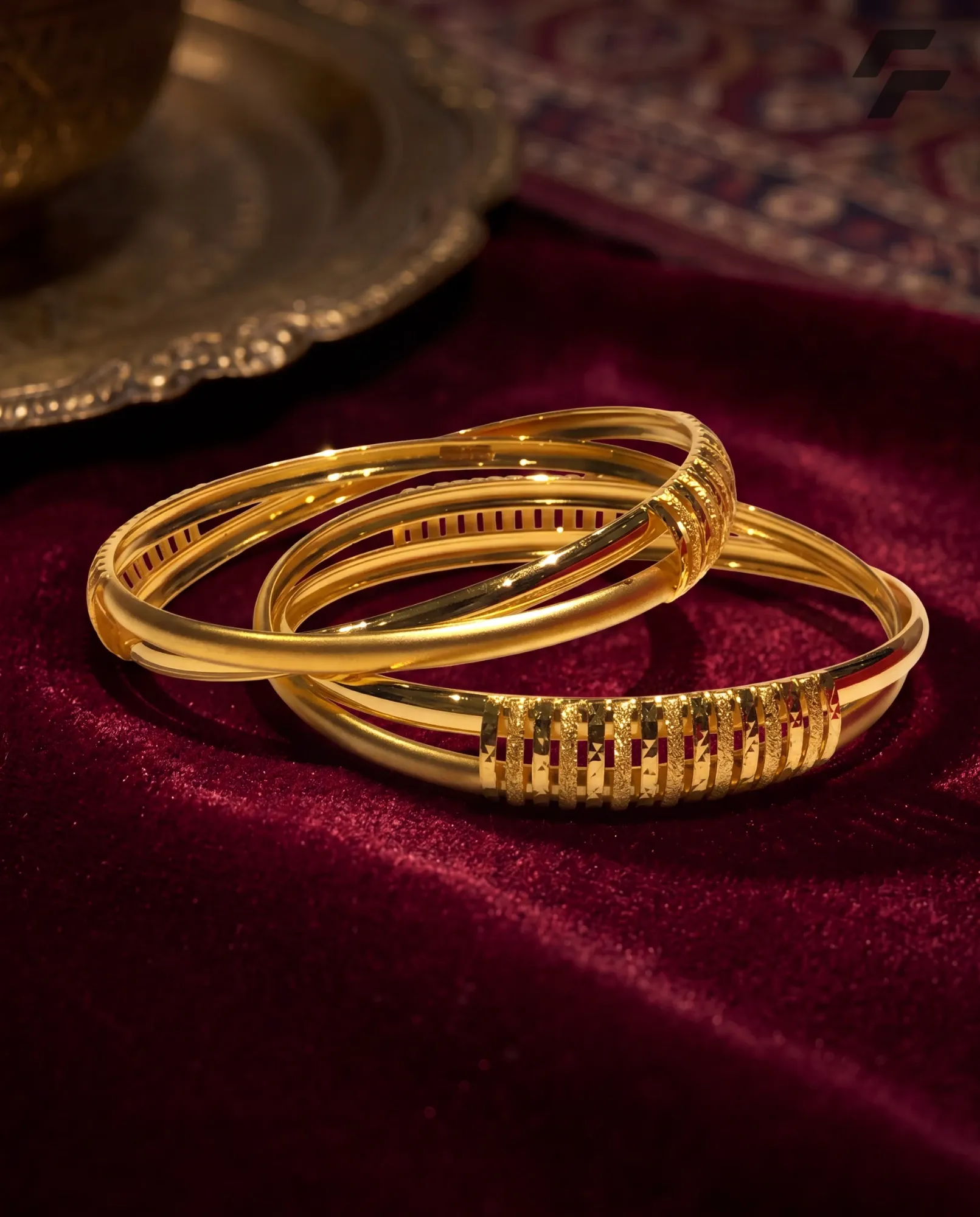
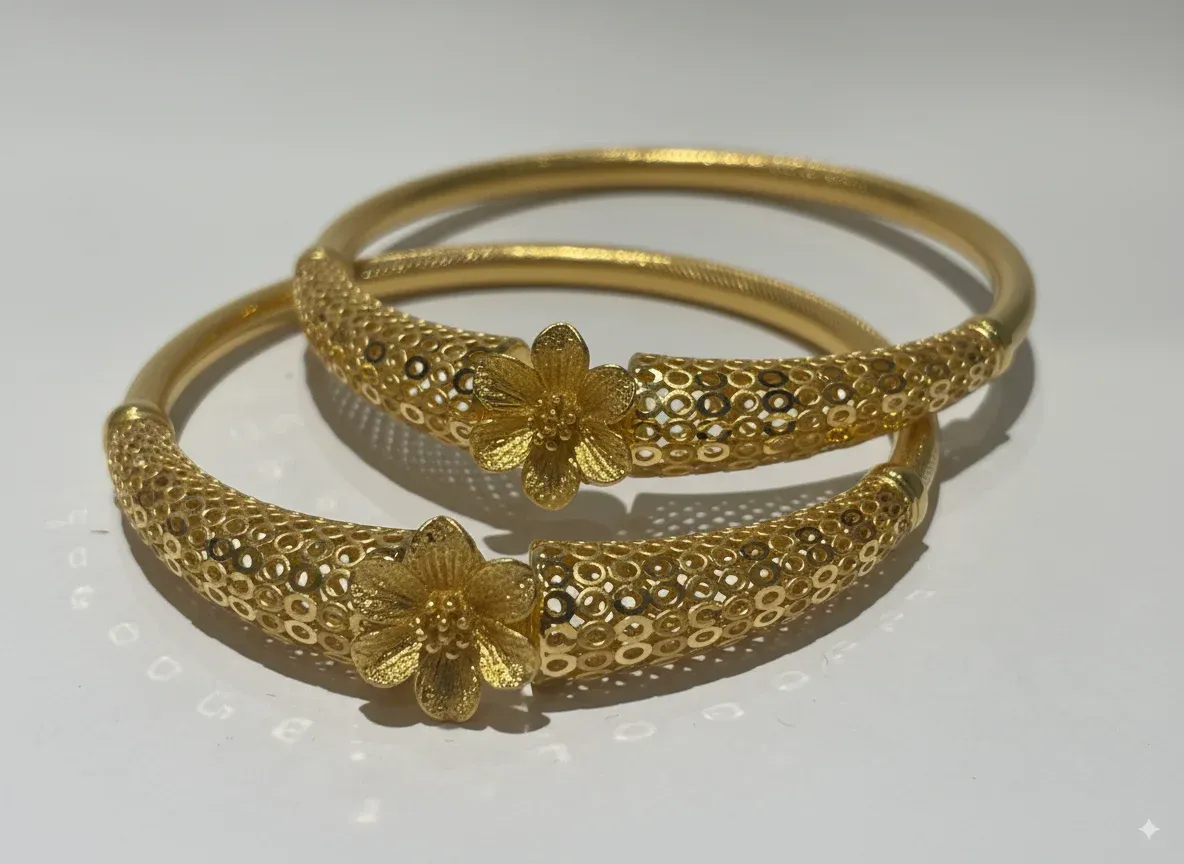
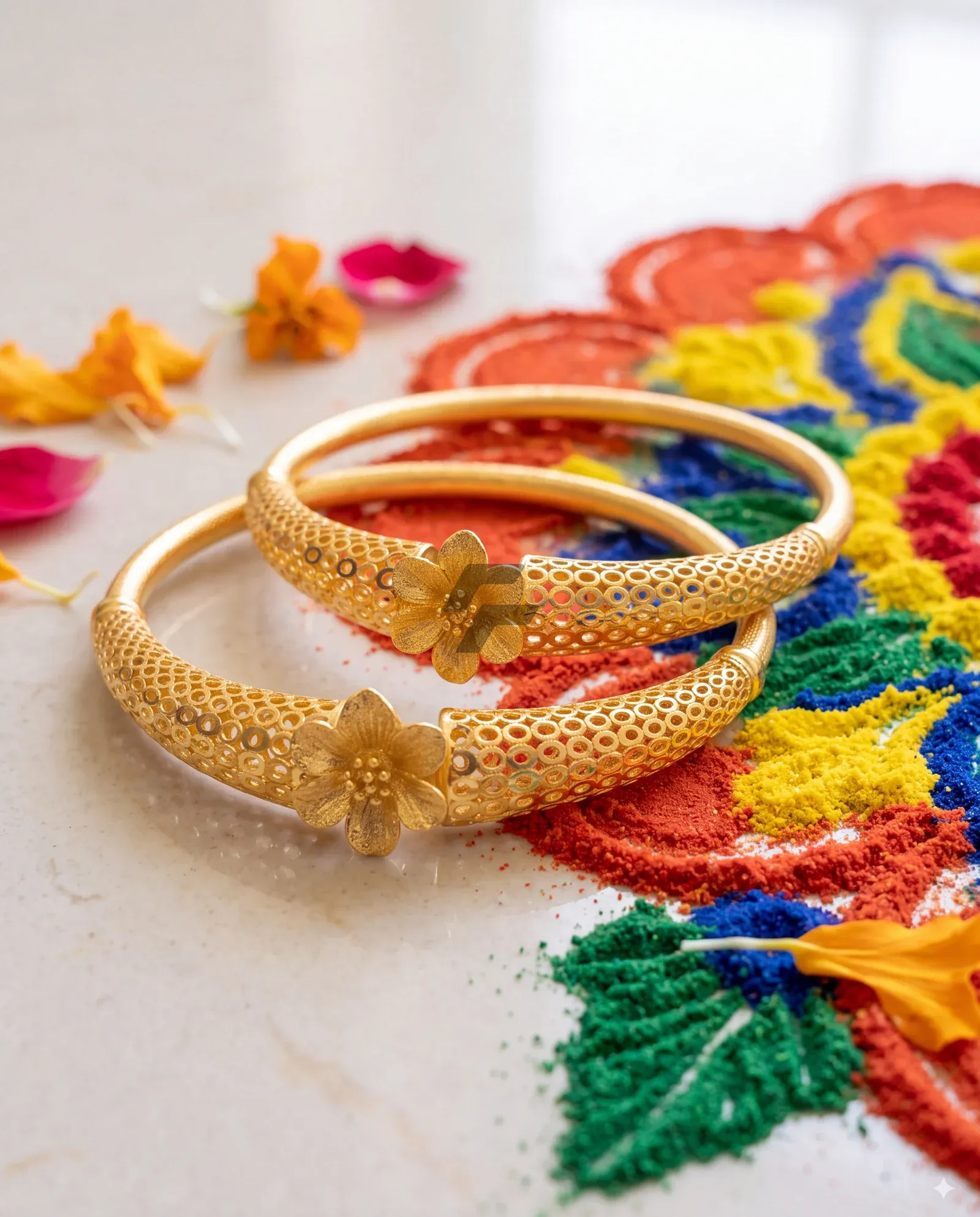
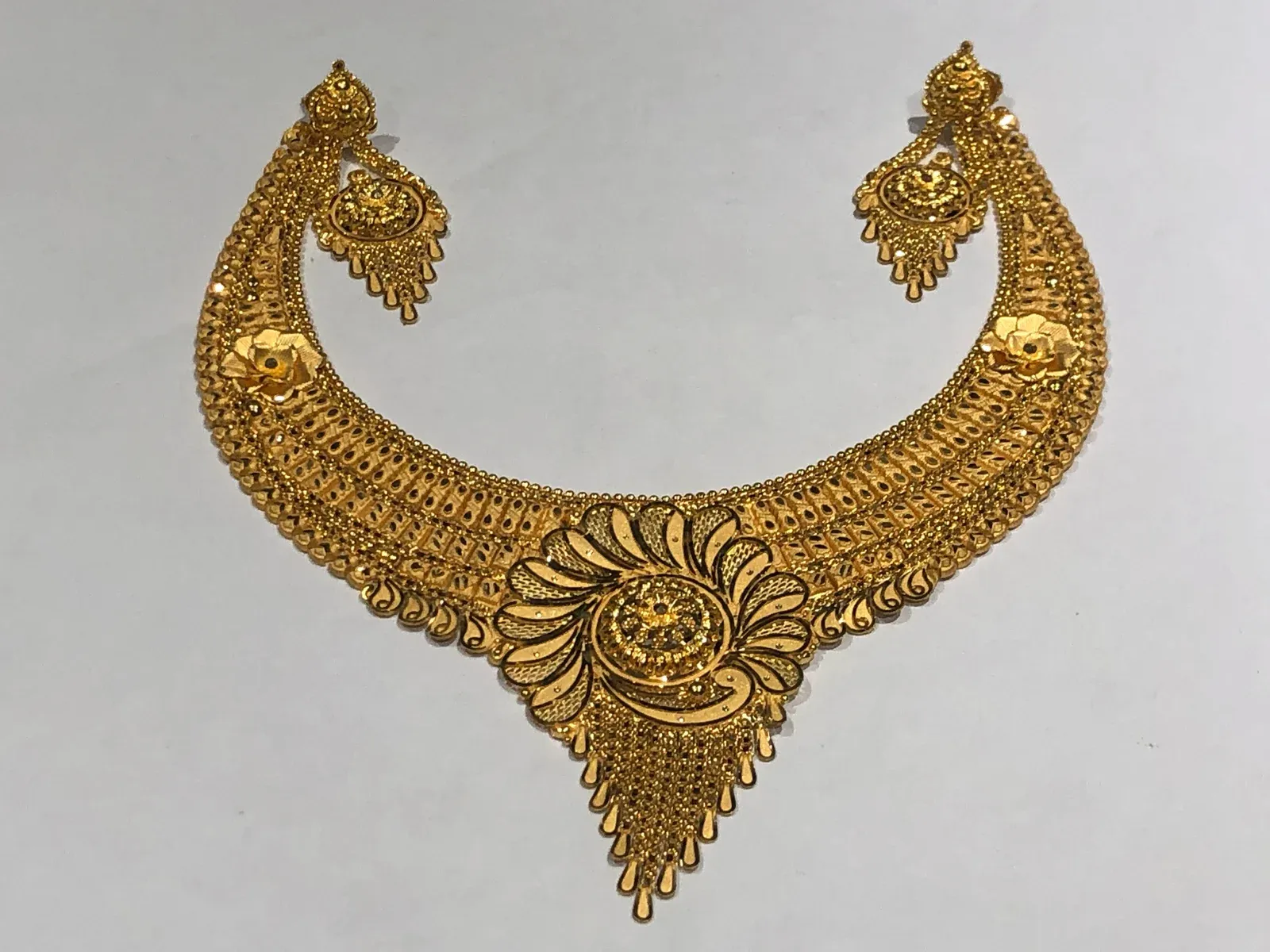
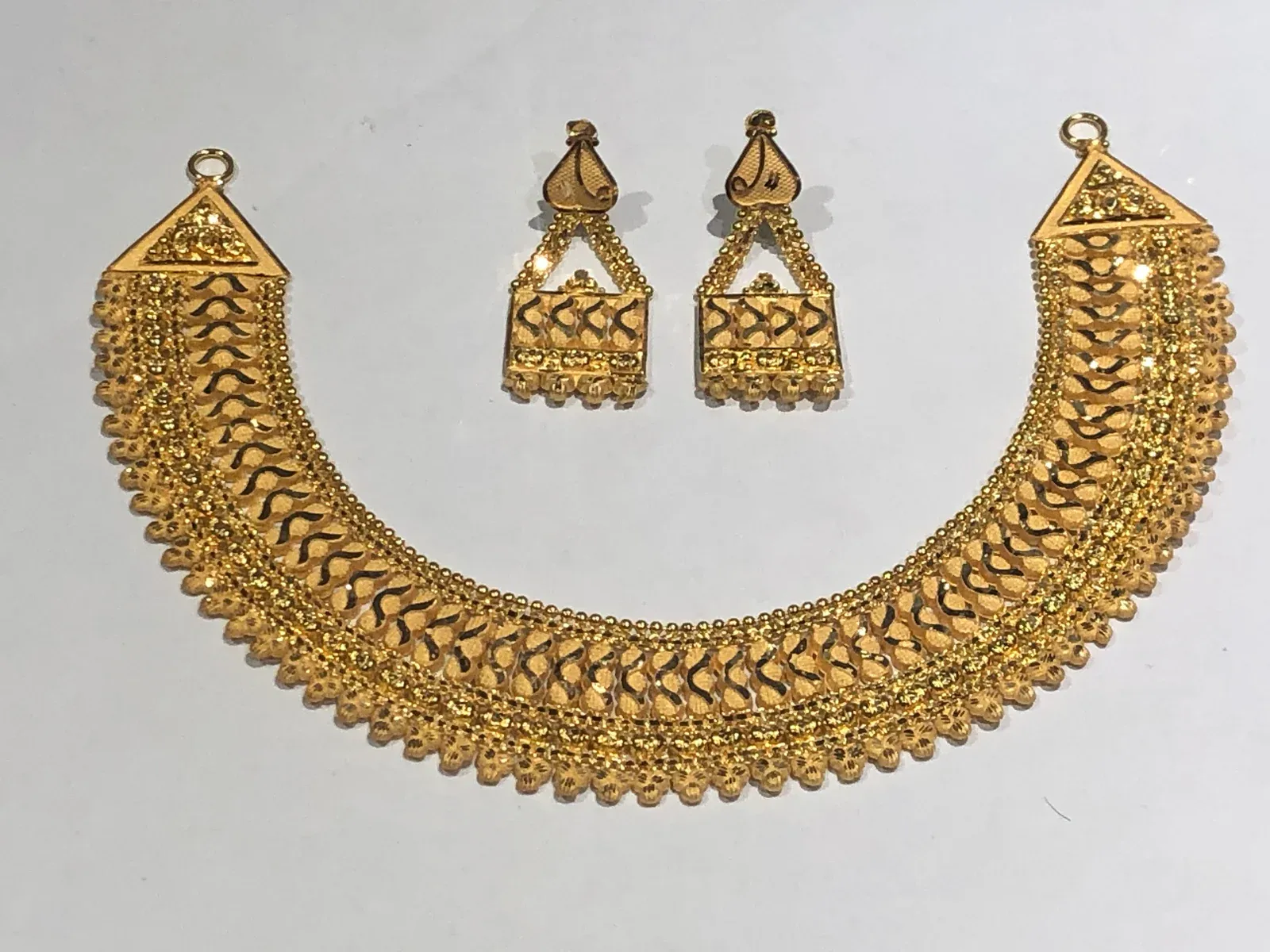
48 looks by occasion and piece, like Diwali — Bangles. Or make your own from up to three style swatches, and share it with your team.
Say what's in the batch and Studio holds each piece the way it's photographed. Necklaces don't float.
Five positions, any size and strength. On Auto, it changes colour only where it would disappear.
Ten shapes, including 4:5 for Instagram, from 512 px up to 4K.
Every batch shows its price before you generate, and you pay only for images that come out.
Upload a collection, generate it in one go and download it all as a zip. Redo any single image.
Pro Part of Pro. Priced per image, shown before you generate.
Campaigns
Take orders at the booth by scanning the piece, sell from a lot by weight, and confirm when the client does.
Try it. Run the booth.
Trade show · Order 14
DraftFinalisedScan a piece to start the order.
Mina bangle pair
BNG#33 · 22K · 64.8 g
Temple necklace
NCK#18 · 22K · 28.6 g
Kada
KDA#7 · 22K · 18.2 g
22K chain lot
CHN#12 · Pull 40.0 g · 4 pcs
On the counter
Mina bangle pair
BNG#33
Temple necklace
NCK#18
Kada
KDA#7
22K chain lot
CHN#12 · Pull 40.0 g · 4 pcs
Scan the QR on a piece's label, or type its number, like BNG#33. It's on the order.
Pull 40 g from a chain lot. UJI checks there's enough weight and pieces left.
Orders stay drafts while the client decides, with pieces, weight and hallmarks added up as you go.
When two clients want the same piece, UJI shows the queue and who asked first.
Orders, weight and value by day and by category. Ask JIA how this show compared with your last.
Turn a finalised order into a quotation, as an Excel file.
Workflows
See where each piece is, who has it and how long it's been there. Move it on, and the record keeps itself.
Try it. Tick the checklist, then move the necklace on.
Orders
Casting
UJI-ORD-44
Kada
Polishing
UJI-ORD-41
Temple necklace
UJI-ORD-43
Mina bangle pair
Hallmarking
UJI-ORD-39
Maang tikka
Dispatch
UJI-ORD-36
Choker
UJI-ORD-41
Temple necklace
PolishingDispatched
Activity
Your own stages and substages, from order to dispatch, with a limit on how much each stage can hold.
Drag a card to its next stage. With Pro, just tell JIA: move ORD-41 to hallmarking.
Like hallmark checked. Give a board a default checklist and every new card starts with it.
Fields you design, notes, photos and comments, and every change recorded. Copy a card for WhatsApp in a tap.
Everything assigned to you across all boards, with what's due today.
See pieces that have sat too long and how much each person is carrying.
Parties
Clients, karigars, bullion dealers or any group you need. Each party has one profile, with their details, their prices and everything you've done with them.
Try it. Look through a party's profile.
Ritu Sharma
Wholesale buyers · Pune
Shop
DefaultLaxmi Road, Pune 411002
Showroom
Zaveri Bazaar, Mumbai 400002
Ritu Sharma · Owner
Primary98••• ••210
Amit Sharma · Purchase
99••• ••457
SellingWhat you charge this party
Ritu across UJI
Campaigns
2 draft orders
Preview linksPro
Her own link · 3 in cart
Ask JIA: what's on Ritu's draft orders?
Clients, karigars, bullion dealers or your own groups, each asking for its own details, with the fields you add.
As many as they have, with a primary contact and a default address.
What you charge each client and what you pay each karigar, set once on their profile.
By name, phone, tag, city or any field you've added. Or just ask JIA.
Karigar scorecards: turnaround, on time against promised days, HUID compliance and the gold with them. And which clients are looking at your links.
See where your clients are, by state and city, to plan the next show.
From their workshops to yours — here's what changed.
“AI & Image Generation helps us create flawless jewellery visuals for ecommerce and campaigns in minutes. Our product shots look consistent and premium every time. It has become our go-to creative tool.”
“Workflows makes task management effortless across our office and factory. We assign work, track progress, and keep every order on time. It brings complete clarity to our daily operations.”
“Inventory & Preview Links keeps our entire inventory organised and easy to track. Sharing preview links has boosted our orders, and customers confirm directly through UJI. It has simplified our daily operations.”

Made by a jeweller
Founder & CEO
Jeweller by trade. Builder by choice.
“The trade runs on trust. I'm building what it runs on next.”
Rajat makes and exports jewellery. With co-founder Moksh Jain, he's building the tools the trade never had.
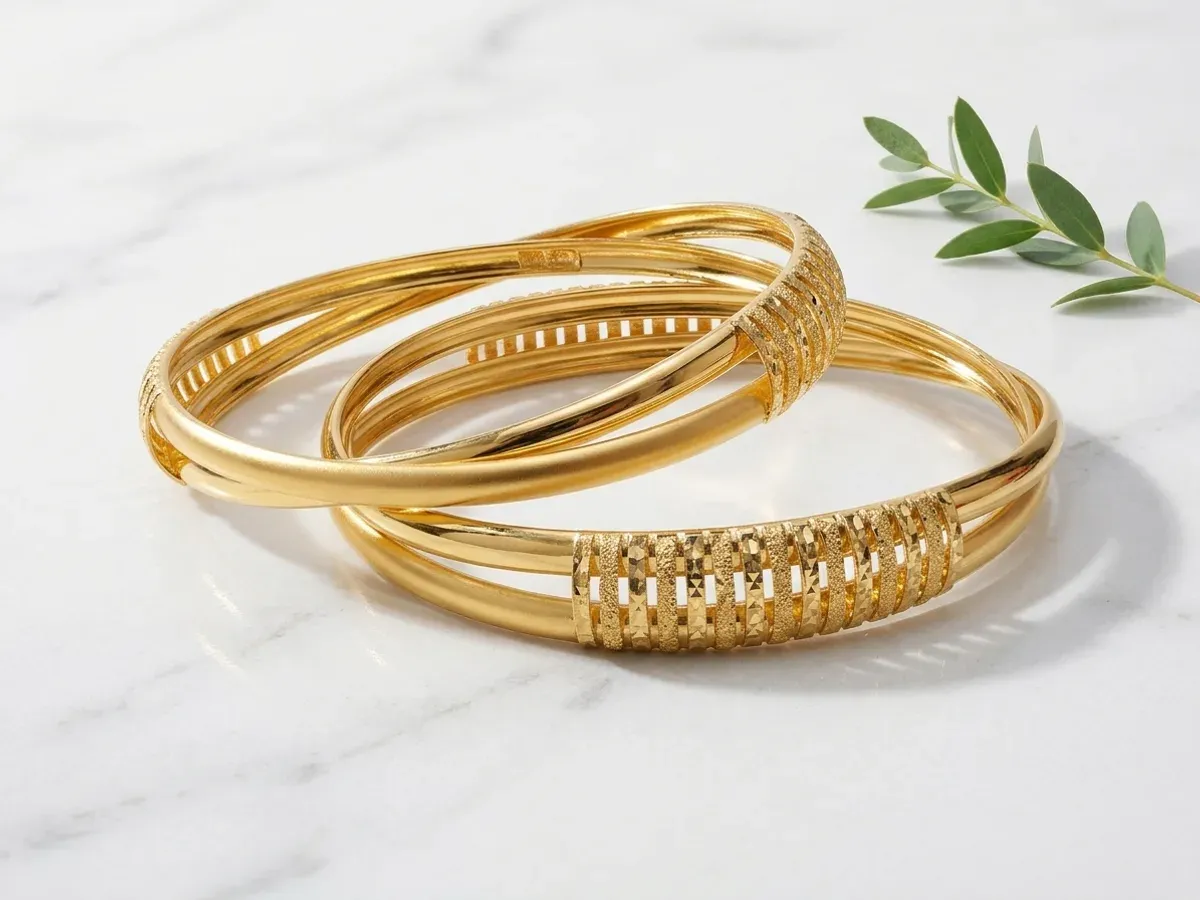
For the New Year, the Look Store opens in Studio: ready-made looks for every occasion and piece. Here's how to turn a plain phone photo into a catalogue image, step by step.
Rajat Jain
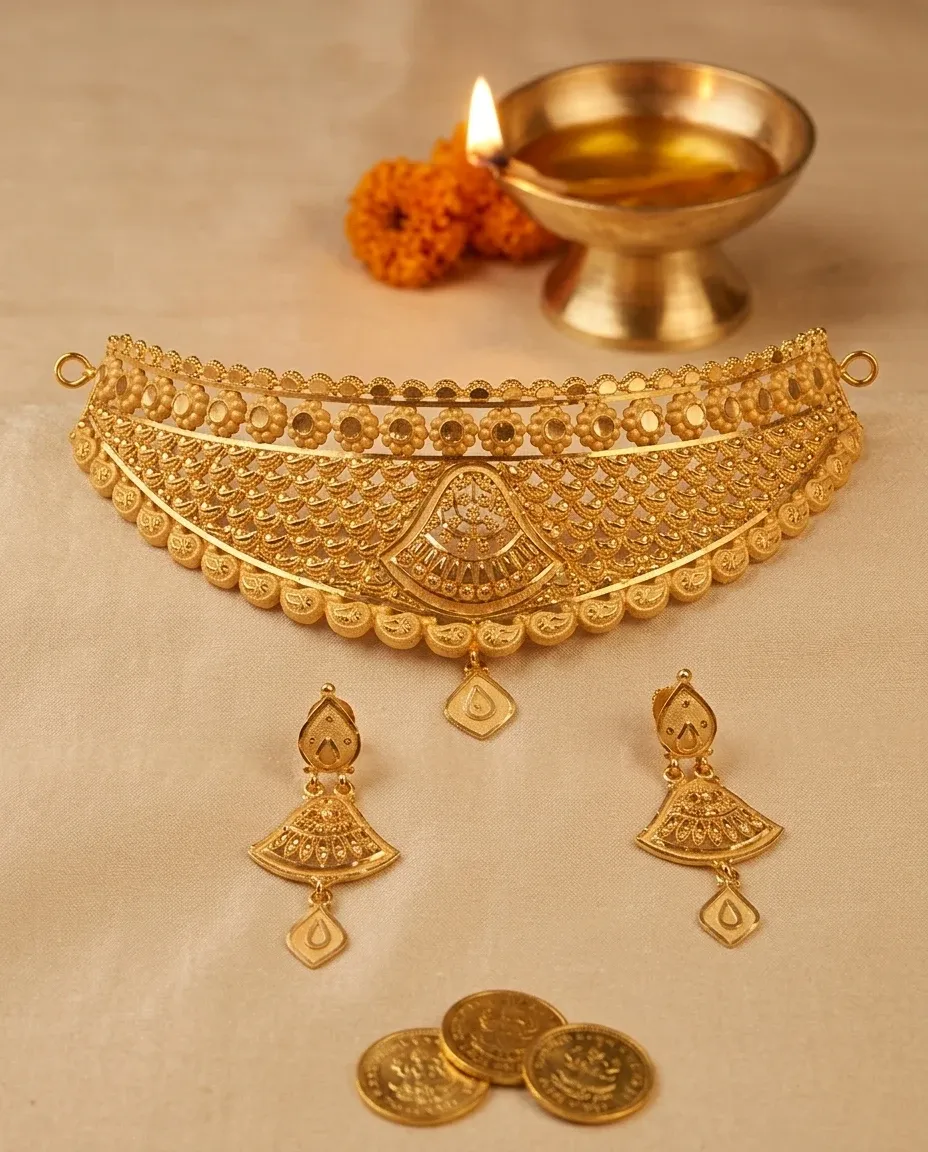
At Diwali, a client often sees your piece in a photograph before they see it in your hand. Here's how Studio turns a phone photo on the counter into a catalogue image.
Rajat Jain
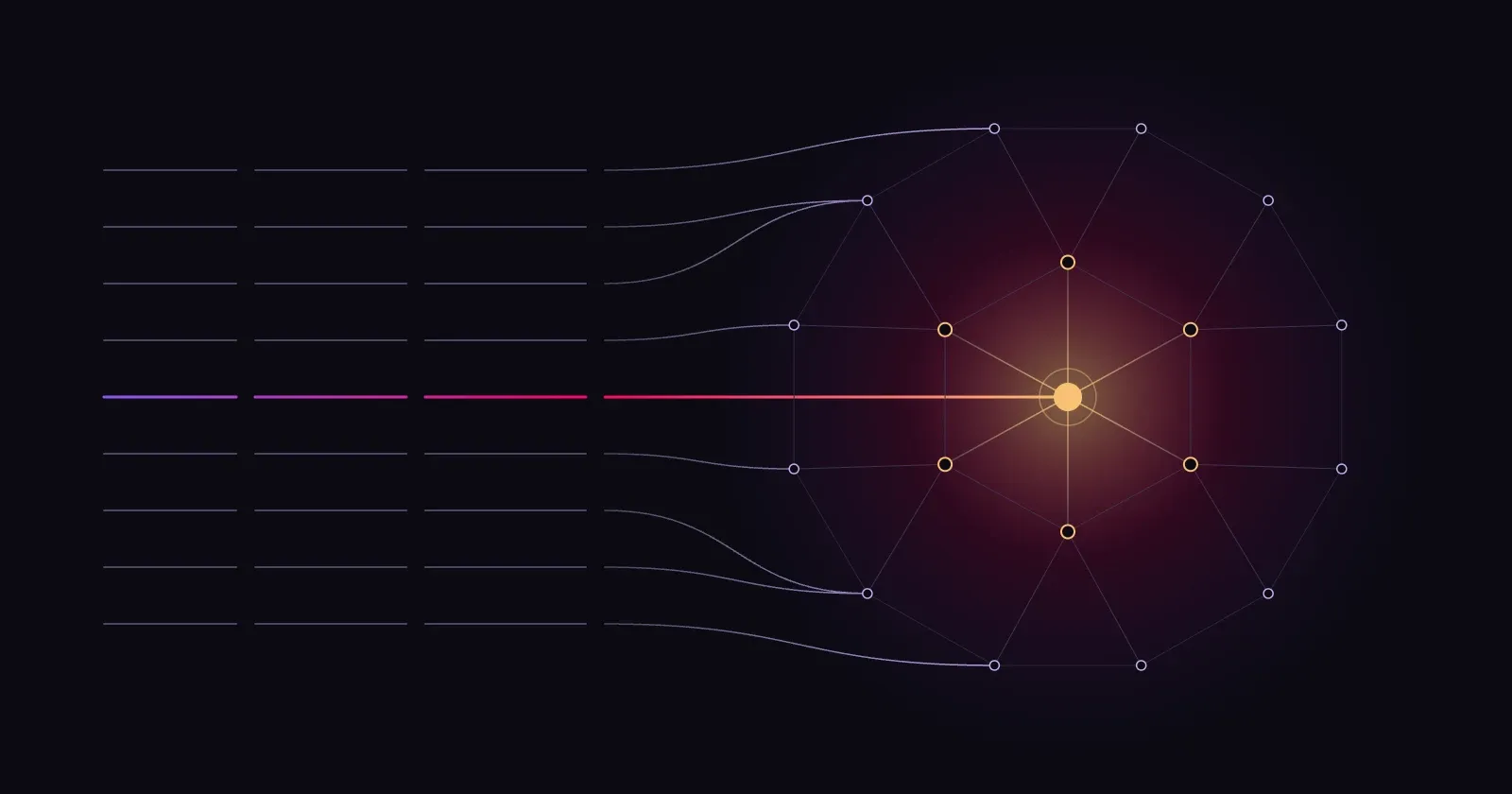
For decades, software could only remember. Now it can understand. Here's why that calls for something new, and what we're building at UJI.
Rajat Jain
Each business's data is kept apart. No one else can see it.
Sign in with a link and code sent to your email.
Who did what, and when.
Free
Forever. No card needed.
From ₹60,000 a year
Billed yearly. Priced for what you need.
Yes, forever. It isn't a trial. You only pay for JIA as you use it, and you choose the monthly limit.
From ₹60,000 a year, depending on what you need. Talk to us and we'll set it up with you.
By use, in rupees, and you set a monthly limit so there are no surprises. Pro allows more each month and uses a stronger model.
Yes. On Pro, import it from Excel in one go. On Starter, add pieces as you go.
Yes. Add your staff with roles, so each person sees what they need. Starter includes 3 people.
Yes. Open UJI in your phone's browser and add it to your home screen. Stock counts and booth orders use the phone camera.
No. If you can use WhatsApp, you can use UJI. Or just ask JIA.
Yes. Send a preview link. They browse and order, and the order lands on your Orders board.
Yes. Each business's data is kept apart and only your team can see it. You sign in with a link and code sent to your email, with no passwords, and changes to your records are logged.
Still have a question?Message us on WhatsApp